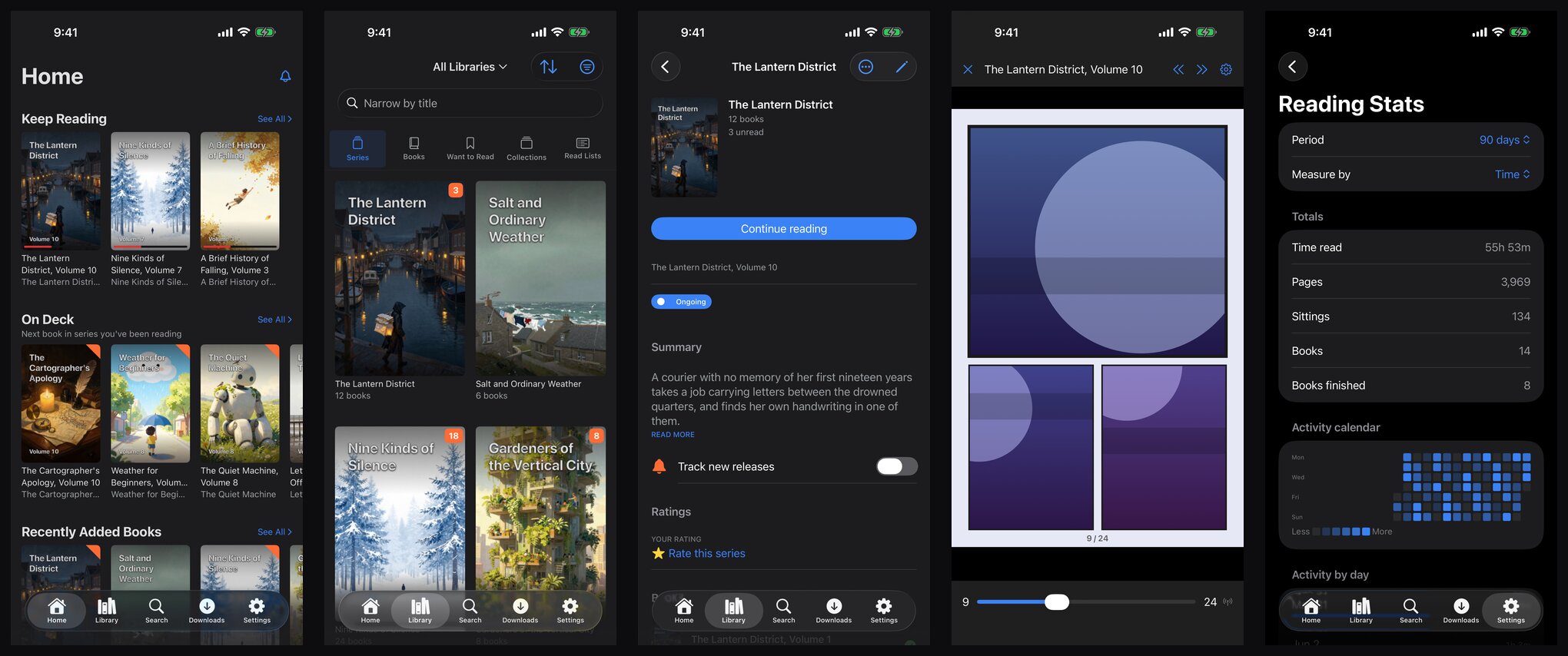
Codex Reader is live on the App Store today. It’s a native iPhone and iPad app for reading a Codex library: comics, manga and ebooks, from your own server, online or offline.

Home, library, series, the comic reader, and reading stats. All screenshots use the app’s built-in demo library.
Why build a native app at all
Codex has a Komga-compatible API, so I’d been reading on iOS with Komic, a good Komga client. Codex also has its own web app, which installs as a PWA.
Komic was good to read with, but it only knows the Komga API, so it misses the Codex features I use: ratings, want-to-read, collections, read lists, release tracking, reading stats, etc… The PWA has all of those, but as a reader it was only ok-ish. The browser limits what a web app can do, especially offline.
The goal I wrote down before starting was simple: at least as good as Komic for reading the same volume, plus everything Codex can do.
What’s in 1.0
- Formats: CBZ, CBR, PDF and EPUB.
- Reading modes: left-to-right, right-to-left, vertical, and webtoon (one continuous strip), with double-page spreads, pinch zoom, a scrubber with page previews, and the reading direction remembered per series.
- Your Codex library: home shelves, library grids with filters, search, collections and read lists you can edit, want-to-read, and the release inbox.
- Real offline reading: background downloads, a storage budget, and rules like “keep the next few unread volumes downloaded”. Progress made offline syncs when you’re back.
- Sync: reading sessions sync both ways, and if you’ve read further on another device, the app offers to catch up.
- Sign-in with a password, an API key, or your own identity provider, and several servers side by side.
- Admin from your phone: libraries, scans, jobs, plugins, sharing tags and backups.
- A demo library, so you can try the app before pointing it at a server.
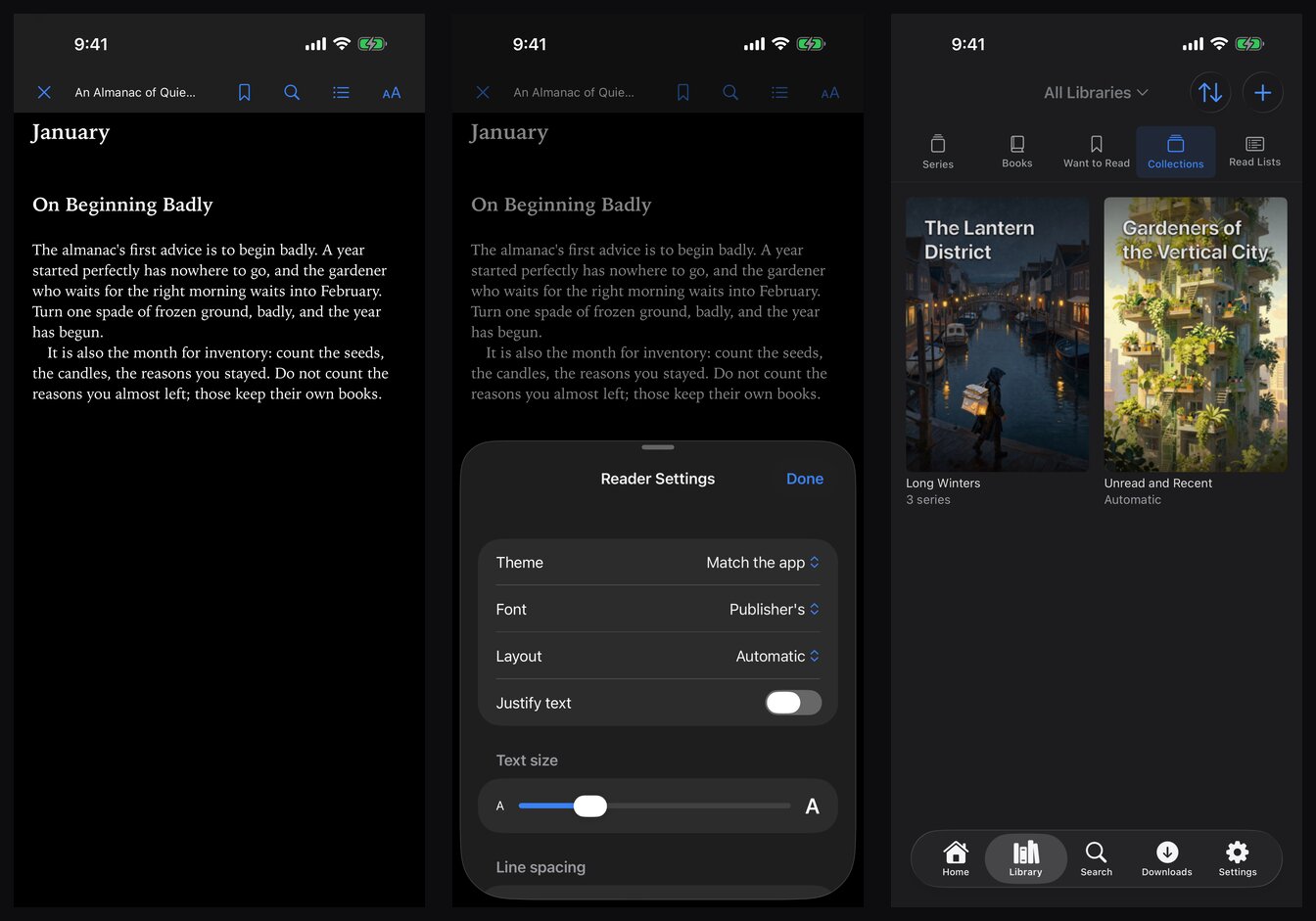
The EPUB reader, reader settings, and collections.
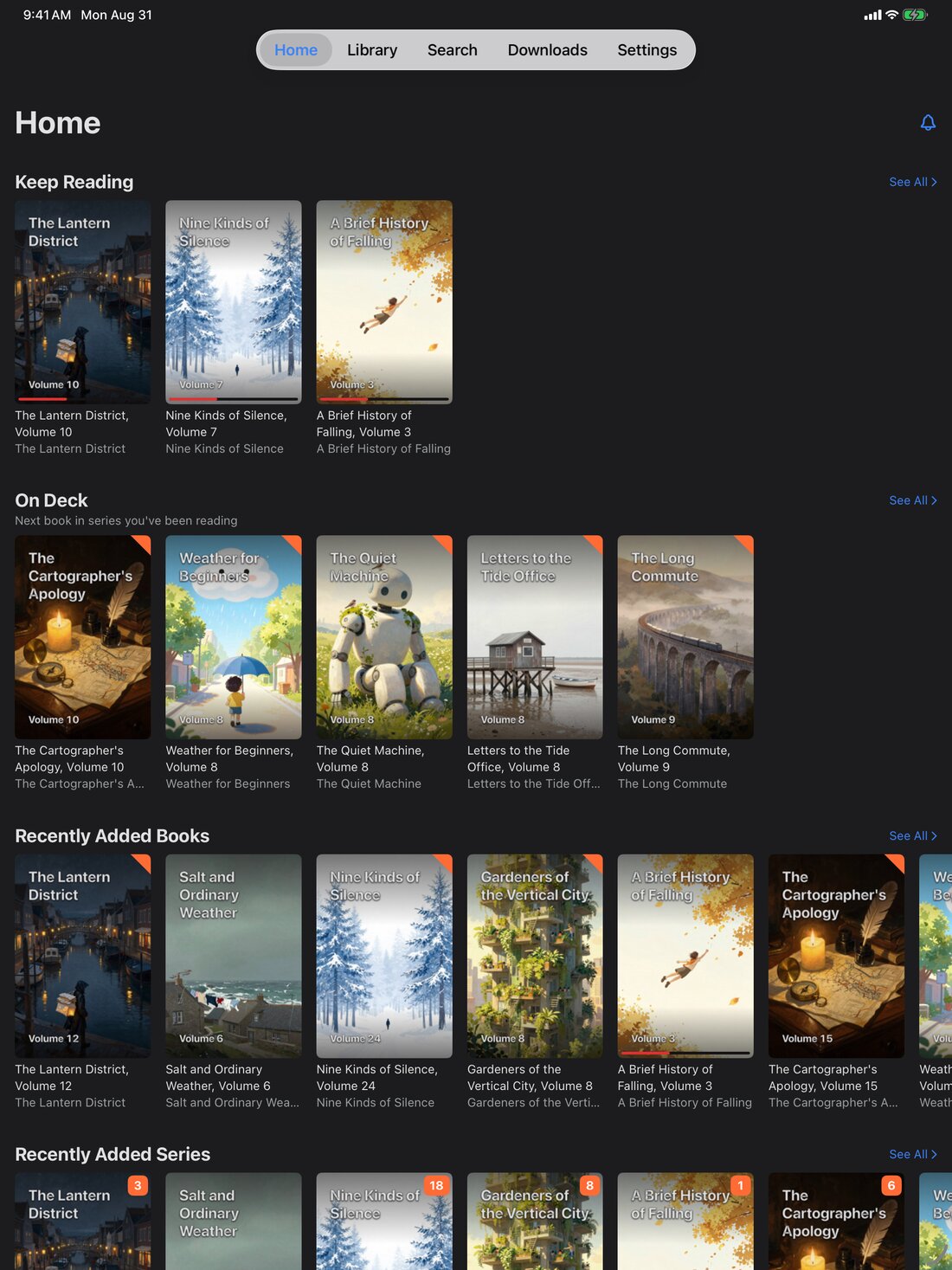
On iPad, the home screen gets the space it deserves.
The app is free to download and use: connect your server, browse, search, read online, and keep your progress in sync, with no time limit. A one-time purchase unlocks the rest: offline downloads, editing want-to-read, collections, read lists and metadata, and managing the server from your phone. Diagnostics are opt-in, and nothing is sent unless you turn it on.
How it’s built
It’s a SwiftUI app, and its API client is generated straight from Codex’s OpenAPI spec. That choice ended up changing the server more than the app: the spec had to become accurate enough for a generated client to trust it, which I wrote about in the Codex update. Comics are read straight from the archives on the device, which is what makes real offline reading possible.
What’s next
Now that 1.0 is out, updates will be small and frequent, driven by daily reading, the same way Codex itself evolves.
Codex Reader needs Codex 2.4.0 or newer. You can get it on the App Store, and Codex itself is on GitHub.